Memories

Pictures are more than just image

When you click a pic you are not only capturing the presence or you but you are capturing the moment. I diary my leave you good memories but a picture makes you feel you are living the moment.

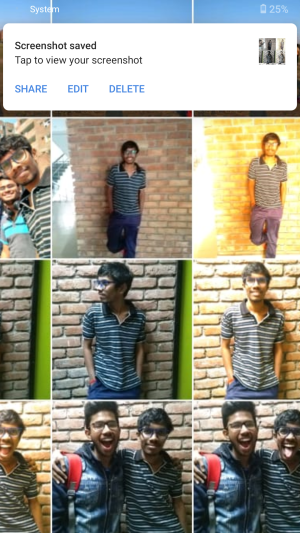
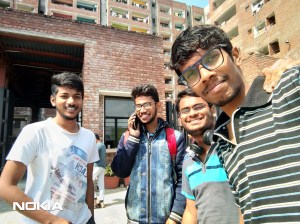
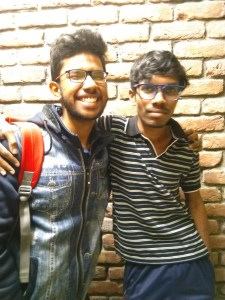
So clicking pics is not a bad habit bit excess caution to capture pics is more dangerous you will start to loose feeling you will stop living in the moment. So, take pic every time you feel new but never take a 2nd or 3rd pic in the same moment.If you take pics of different moment your life gallary fills with joy just like below

Writing is good habit

I am writing this to check how the world is going to respond to my story.

let me start with a few of my thoughts I always complaint I don’t have time to do some useful work like creating a app,a website or learning a programming language.

But the truth is I am addicted to wast time watching movies and web series. I recently completed watching the Vampire DIarIEs and the Originals.All the time while watching I said myself I can do better after completing watching this series.But the truth i never going to accept is I am scared to accept that I am slow learner I can’t remember things for long time I mean I forget anything I learned if i don’t keep on practicing.

Bye for now I will continue further about me in next post.


var ipAddress = ‘‘;
alert (ipAddress);

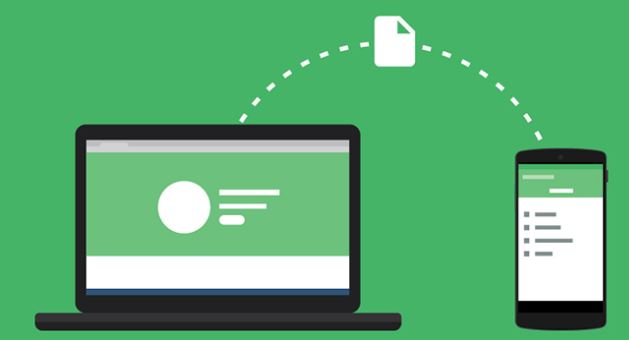
Wireless transfer any where! The smartest way to transfer files between your Laptop and Smartphone(Android)

You may faced many problems while transferring files between your pc and android by using USB cable like not connecting properly braking of connection in end of large file transfer.

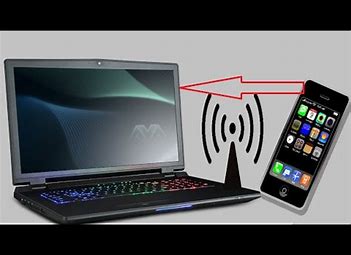
Here we bring a amazing easy trick that makes you smart and cool.NO software is need to install in your Laptop(PC).Transfer using wifi (“no need of internet”).

WIFI how many of you know the fullform it’s full form is “Wireless Fidelity“.

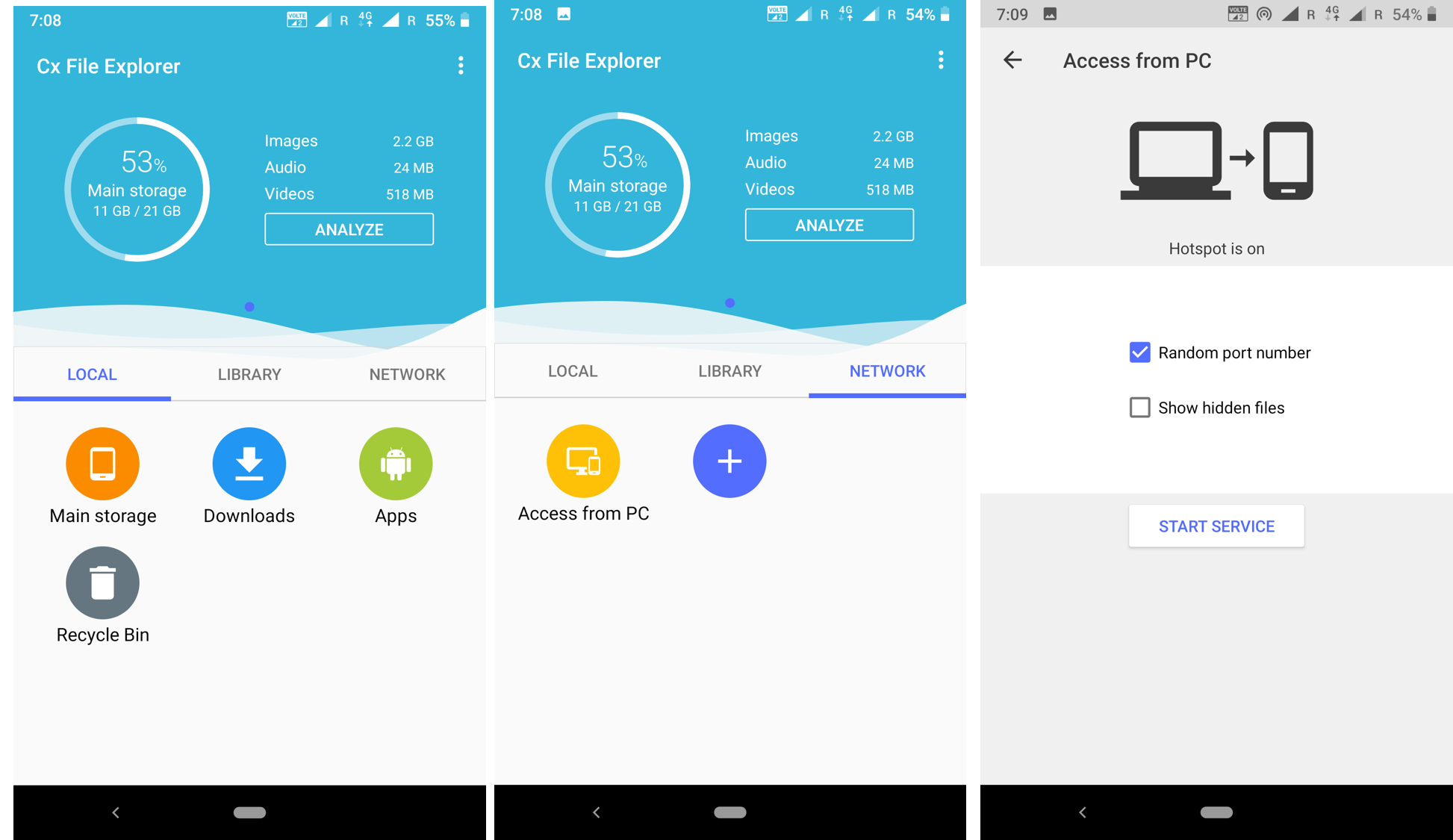
1………Let’s get back to the trick all you need to do is to download “cx file explorer” in your Android device. Link is provided here click it to download. https://play.google.com/store/apps/details?id=com.cxinventor.file.explorer

https://play.google.com/store/apps/details?id=com.cxinventor.file.explorer

2…… Now turn on the mobile hotspot no internet is require make sure internet is turned off. Connect your laptop(Laptop to which you want to tranfer files=storage) with your mobile Hotspot.

Connect laptop with Mobile Hotspot

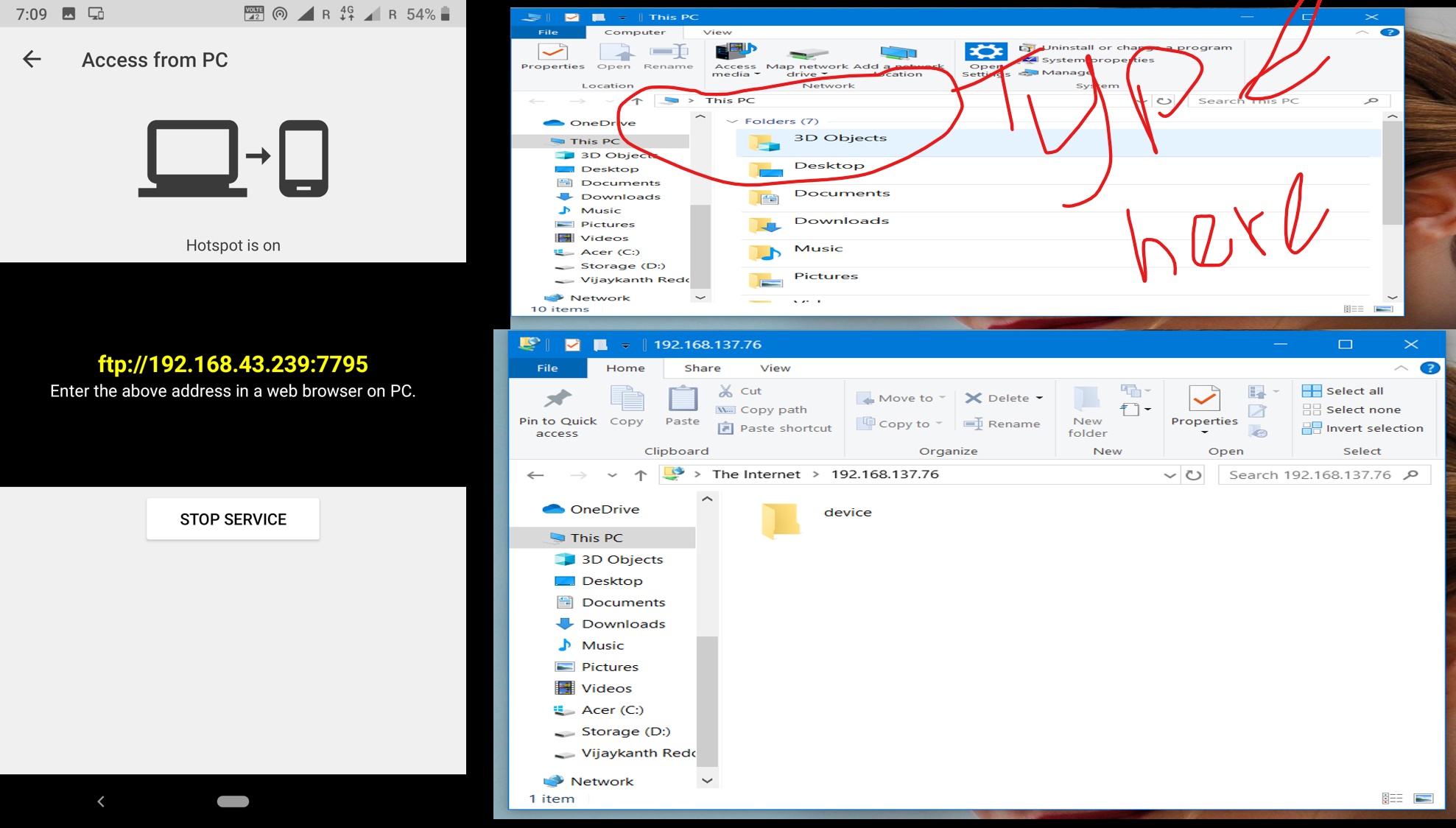
3……. Now open cx file explorer in your mobile and tab on NETWORK then tab on Access from PC them click Start service. Now you get a link starting with ftp://____.___._____.____ type this link in your pc directory bar.

The folder opened in your pc device is your storage open it all you files in your storage every song every video every file is inside it open it. I suggest you to copy file to your pc or to your phone but don’t try to open. it you try to open it will download without internet your phone act as your server no charges. But I suggest to copy no matter you copy or if you open it will automatically direct you to your default browser and download the file.

HOpe it is use full stay connected and subscribe for new tricks . I try to upload at least 2 or 3 new tricks every weekend so stay connected and become smarter and smarter every day. Use technology it works for you.

If any problem arises contact me at my email id vijaykanth1103@gmail.com

About blogger:

Name : BC Vijaykanth Reddy
Email id :vijaykanthbc03@gmail.com
Phone : 9490633605

Introduce Yourself (Example Post)

This is an example post, originally published as part of Blogging University. Enroll in one of our ten programs, and start your blog right.

You’re going to publish a post today. Don’t worry about how your blog looks. Don’t worry if you haven’t given it a name yet, or you’re feeling overwhelmed. Just click the “New Post” button, and tell us why you’re here.

Why do this?

  • Because it gives new readers context. What are you about? Why should they read your blog?
  • Because it will help you focus you own ideas about your blog and what you’d like to do with it.

The post can be short or long, a personal intro to your life or a bloggy mission statement, a manifesto for the future or a simple outline of your the types of things you hope to publish.

To help you get started, here are a few questions:

  • Why are you blogging publicly, rather than keeping a personal journal?
  • What topics do you think you’ll write about?
  • Who would you love to connect with via your blog?
  • If you blog successfully throughout the next year, what would you hope to have accomplished?

You’re not locked into any of this; one of the wonderful things about blogs is how they constantly evolve as we learn, grow, and interact with one another — but it’s good to know where and why you started, and articulating your goals may just give you a few other post ideas.

Can’t think how to get started? Just write the first thing that pops into your head. Anne Lamott, author of a book on writing we love, says that you need to give yourself permission to write a “crappy first draft”. Anne makes a great point — just start writing, and worry about editing it later.

When you’re ready to publish, give your post three to five tags that describe your blog’s focus — writing, photography, fiction, parenting, food, cars, movies, sports, whatever. These tags will help others who care about your topics find you in the Reader. Make sure one of the tags is “zerotohero,” so other new bloggers can find you, too.
Design a site like this with WordPress.com
Get started